
STP payroll software with a clear review workflow
Prepare Pay Events, review ATO responses and work through year-to-date corrections and finalisation. STP Phase 2 reporting stays connected to the payroll records behind each submission.
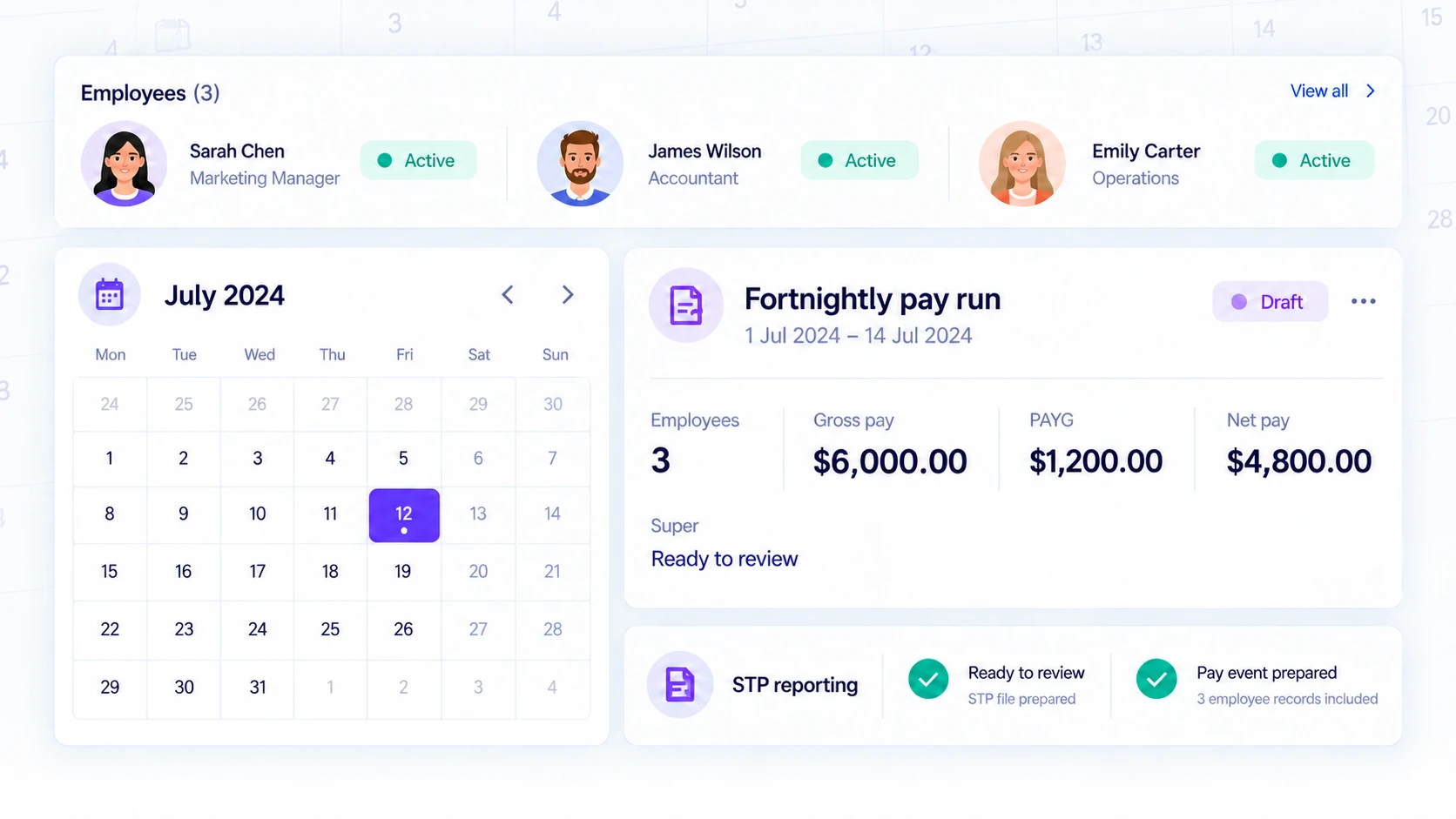
Good reporting begins before submission
An STP report depends on the payroll information behind it. Review the employer's reporting setup and employee records before preparing a pay event. Tax and employment details, income components and the pay date all matter. Ledra keeps STP reporting within the payroll workflow so the submission is based on the pay records you have reviewed, not on a separate manually retyped summary.
Prepare and check the pay run first. Resolve validation feedback before sending the report, then use the reporting workflow to submit the relevant event. Access remains governed by company permissions and the normal authentication controls. This page describes the workflow; it does not remove the employer's responsibility to check accurate reporting details.
Pay Events, Update Events and year-end finalisation
Sending a report and receiving an accepted result are different steps. Review the submission status and any returned feedback after transmission. If a submission is rejected, investigate the reason and correct the source information through the appropriate payroll process rather than assuming that retrying unchanged information will fix it.
Use the Pay Event workflow for a reviewed pay run and the applicable Update Event workflow for year-to-date corrections or finalisation. Keep source changes traceable. Before year-end finalisation, reconcile payroll information and review employee year-to-date amounts. Your accountant or payroll adviser can help determine the correct treatment for a particular correction.
STP reporting is not a payment service
Single Touch Payroll communicates payroll information; it does not pay employees or transfer their super contributions. Ledra supports payroll calculation, STP reporting and the associated records. Arrange wage and super payments separately through the services your business uses, and check their completion independently of the reporting status.
Payroll Free includes STP Phase 2 reporting for one employee, with one posted pay run per Australia/Sydney calendar month. STP reporting generally follows your actual payday; a software allowance does not change your reporting obligations. Compare paid payroll options for a larger team or more frequent runs. Ledra does not claim ATO endorsement. Try the sample Payroll workspace without submitting real employee information.
From a pay run to a reviewed ATO response
After checking a pay run, an employer submits the Pay Event and follows its response. If a year-to-date figure needs correction, review the source records and the applicable Update Event rather than creating a second pay run just to resend a total. At year end, reconcile employee totals before finalisation.
Payroll Free: current inclusions
Payroll for one employee, with one posted pay run per Australian calendar month.
$0/month. Free forever.
Employee capacity: 1. Review the posted pay-run limit in the description above.
- Mobile access
- 1 employee · 1 pay run per month
- Automated pay runs
- Single Touch Payroll Phase 2
- Smart pay templates
- Automated superannuation
- Digital payslips
Accounting and Payroll are separate plan choices. A demonstration can show features outside your selected plan. Compare reporting, recurring workflows and capacity before choosing.
Compare current plans and limitsCommon questions
How is a Pay Event different from an Update Event?
A Pay Event reports payroll associated with a pay run. An Update Event supports the applicable year-to-date correction or finalisation workflow. Review the event and source records before submission; the right event depends on the change being made.
Does sending a report mean the ATO accepted it?
No. Check the returned status and response details. Resolve validation or rejection feedback before retrying. A queued or sent submission is not an accepted result.
Can I review year-end finalisation?
Ledra has an STP finalisation workflow for reviewing employee year-to-date totals and preparing the reporting event. Submission remains subject to employer setup, company access, permissions and the normal security checks.
Explore the connected workflow
See the seven Ledra modules, find a workflow for your business, or compare current plans.