
Bank Reconciliation with Imported Transactions: A Step-by-Step Ledra Guide
Prepare a bank statement import, check the mapping and reconcile existing invoices and bills without recording the same movement twice.
Published
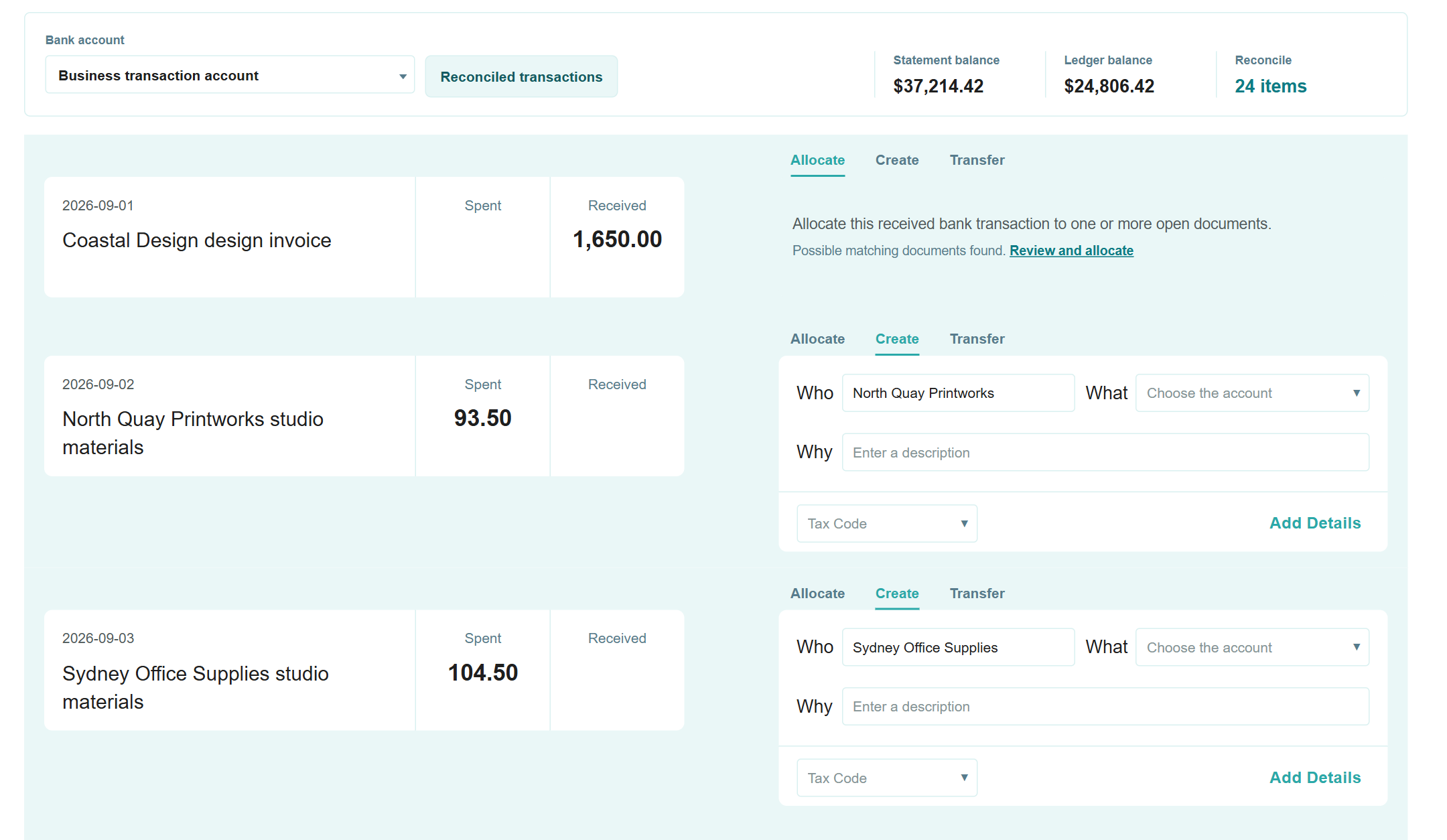
Prepare the account and statement
Choose the business bank account and the period you want to reconcile. Check the Ledra start date, default accounts and GST settings before importing. Keep the original statement so you can compare the dates and amounts with the import preview.
Use the transaction import action on the intended bank account. If the account does not exist, add a manual bank account first and review its ledger mapping. This guide covers statement imports. It does not require an automated feed connection; automated feeds remain marked launching soon in the public catalogue.
Upload and review the rows
- Prepare a statement file using the importer's supported format and template.
- Upload it to the correct account and review the recognised column mappings.
- Check dates, descriptions and amounts against the original. Resolve highlighted missing or invalid values.
- Check the period for transactions already imported. Confirm only when the reviewed rows are ready.
Do not treat a successful file read as proof that every row belongs in the account. Investigate gaps, repeated movements or an unexpected total before proceeding.
Match existing records first
Example: a customer pays an invoice you have already approved. Find the deposit and compare its amount with the invoice's outstanding balance. Matching it to that invoice records settlement; entering another sale could count the income twice.
The same check applies to supplier payments. Where one bank movement covers several bills, review the selected bills and allocated amounts against the full movement. Use the source records to explain the difference if the totals do not agree.
Review allocations and unresolved items
A bank fee or interest entry may need allocation to an account rather than matching an invoice or bill. Review the account, tax treatment and amount before recording. A split allocation needs all parts checked against the original movement.
Leave an uncertain transaction unmatched while you obtain the supporting information. A suggested match or rule does not establish the correct treatment on its own.
See the Ledra reconciliation workflow and Accounting Free inclusions. Available reports and capacity depend on the selected plan and company permissions. For account-specific instructions, use the existing Help Centre bank-account guide.